[
Your Wellness Journey Starts Here
]
READY TO BALANCE YOUR ENERGY & HEALTH?
Better sleep. Lower stress. Smarter health decisions. Tell us your goals and we’ll help you choose the right Oxyzen ring for your lifestyle.
Sleep Cycles Analysed Daily
Real-world data powering deeper insights into your nightly recovery.
Stress Events Detected & Managed
Helping users build calmer, more resilient nervous systems.
Health Metrics Tracked Every Week
Precision HRV, SpO₂, temperature, and movement data for total wellbeing.
Happy OxyZen Users Worldwide
People transforming sleep, stress, and energy—one ring at a time.
OxyZen didn’t begin in a lab or a boardroom.
It began with a simple, unsettling question:
In 2019, a medical doctor, a wellness researcher, and a small engineering team observed the same global pattern:
People were becoming disconnected from their bodies.
Even with better diets, more gyms, mindfulness trends, and medical advances…
stress, insomnia, emotional burnout, and chronic fatigue kept rising.
People weren’t unhealthy.
They were unbalanced — and unable to understand their body’s signals.
This question sparked the OxyZen mission:
to give people back the ability to listen to their bodies.
The team began studying both cutting-edge biometrics and ancient wellness systems, including:
Ancient practices had always known what modern science was just beginning to measure.
Balance—not intensity—creates vitality.
Modern lifestyles had broken that balance.
And people needed a simple, intelligent tool to bring it back.
The team explored dozens of wearable designs:
Every prototype failed for one core reason:
inaccurate or noisy biometrics.
The breakthrough came when the team revisited medical science:
Finger blood flow is more stable than the wrist.
It’s why hospitals use finger pulse oximeters — not wristbands.
A ring is the most accurate, elegant, and unobtrusive way to capture the body’s true signals.
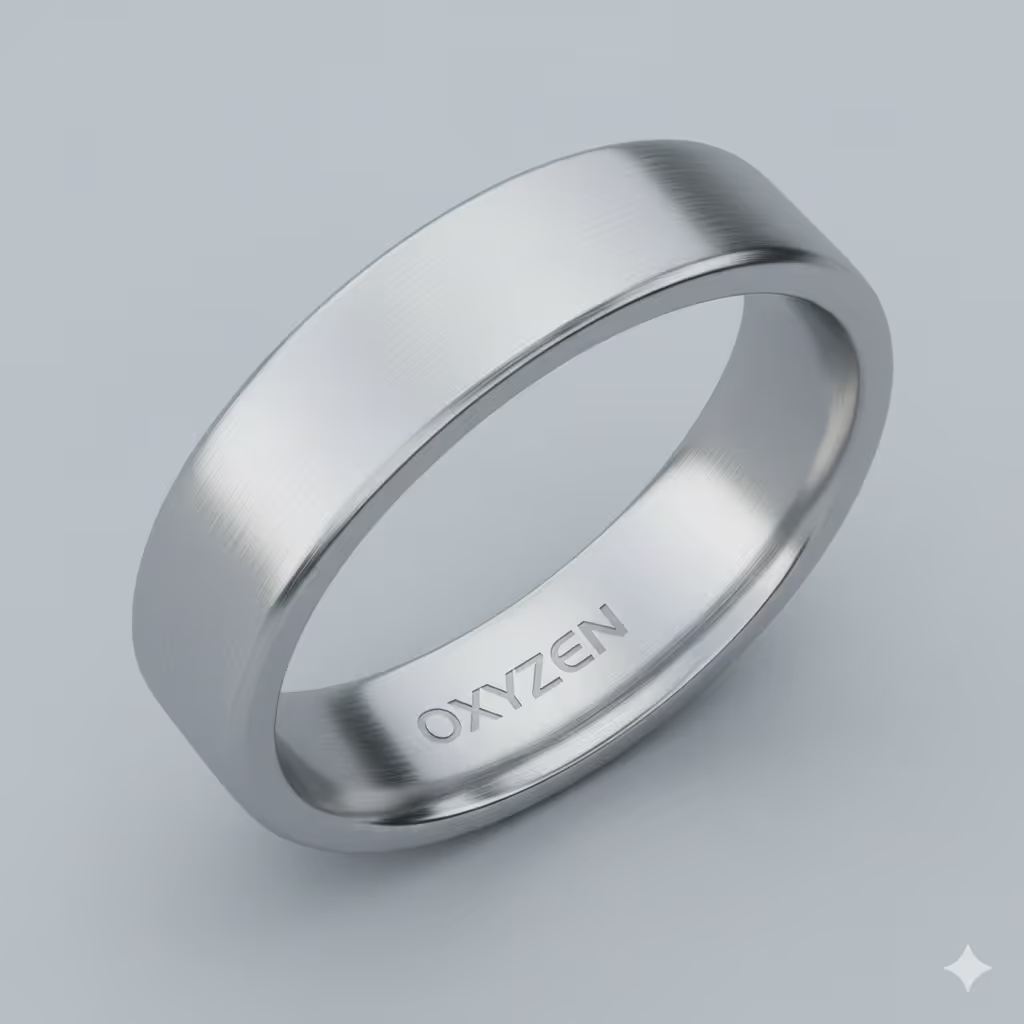
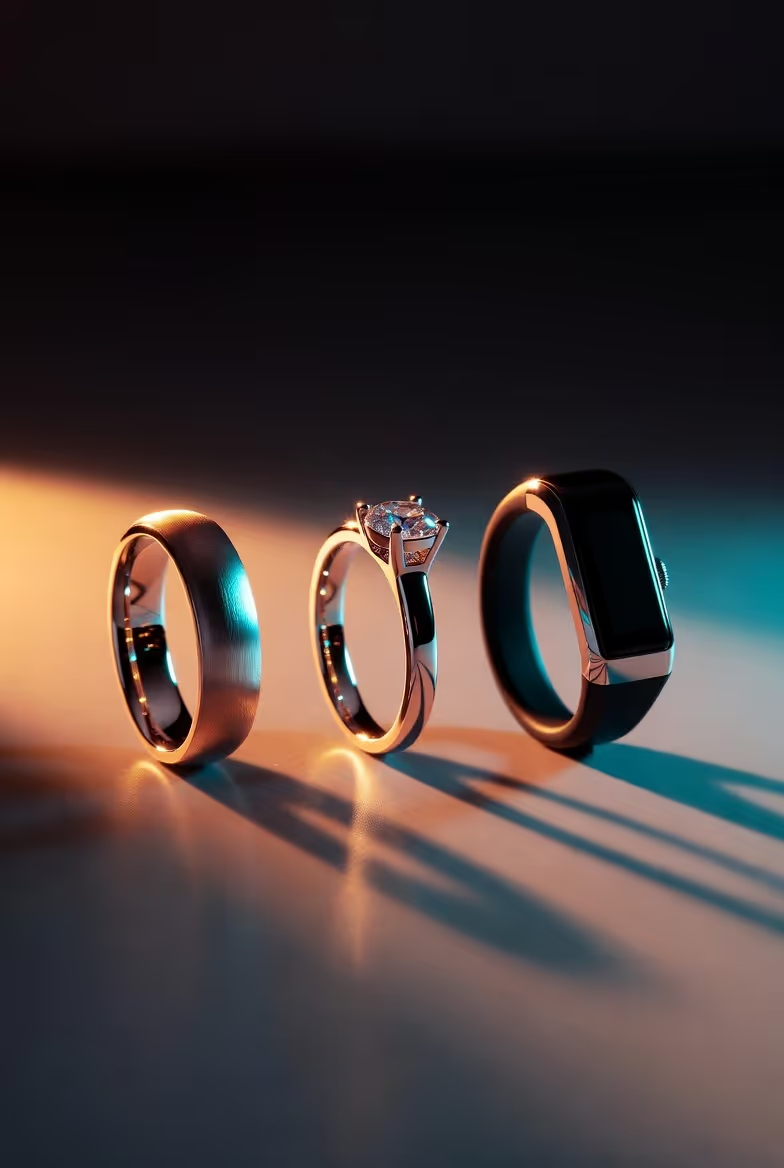
Thus, the vision of OxyZen was born:A minimalist ring that merges ancient wellness principles with world-class sensor technology.
The early prototypes were raw metal shells with taped sensors — far from perfect.
The engineering challenges were enormous:
The team built dozens of prototypes.
They overheated. They were too heavy.
Firmware didn’t behave. Sensors drifted.
It was promising — but the team wanted deeper accuracy and smarter intelligence.
2023 marked the turning point.
The team developed a multi-sensor architecture that combined:
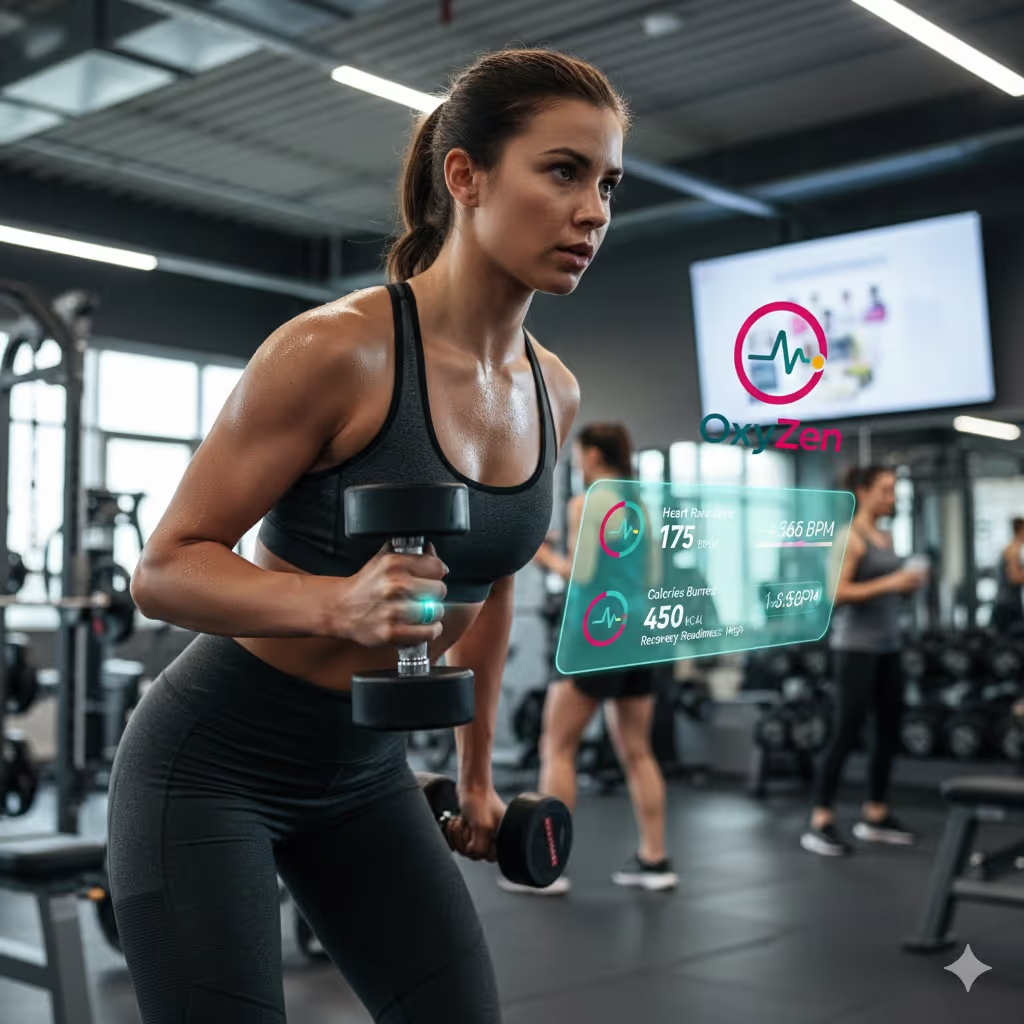
This system captured 20+ biometric signals simultaneously, continuously, and silently.
The ring could interpret:
OxyZen evolved from a tracker into a real-time mirror of the inner body.
The founders didn’t want just another wearable.
They wanted a tool inspired by:
And grounded in:
Oura counts data.
OxyZen restores balance.
Oura shows metrics.
OxyZen shows meaning.
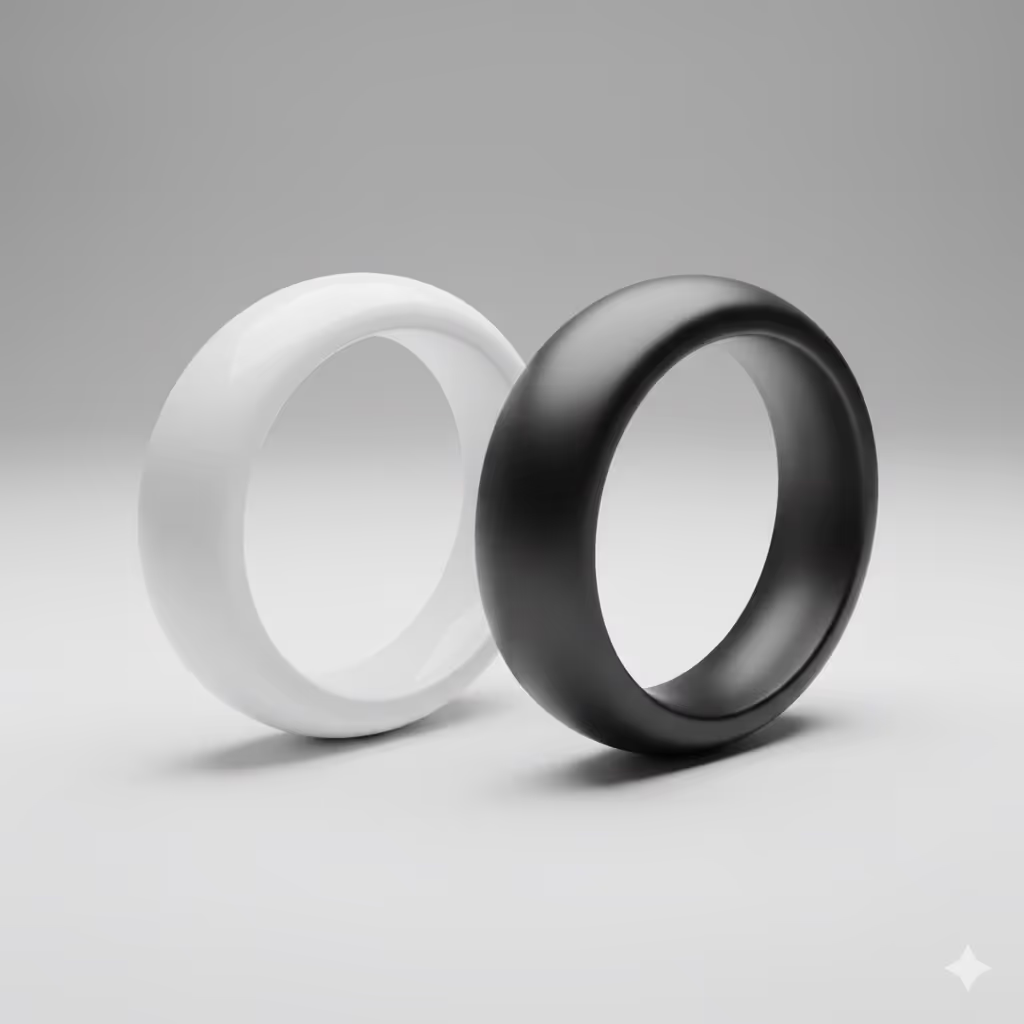
The team tested:
Each material was evaluated for:
✔ weight
✔ durability
✔ skin comfort
✔ sensor consistency
✔ long-term wearability
The final build was chosen for luxury feel + scientific stability, ensuring the sensors remain accurate in all conditions.
Today, OxyZen has evolved into one of the world’s most balanced and intelligent wellness devices, with:
A way to feel balanced in a world of noise.
The OxyZen mission is expanding into:
To help millions of people:
OxyZen is becoming more than a ring — it is a holistic wellness ecosystem powered by biology, AI, and timeless human wisdom.


[
Your Wellness Journey Starts Here
]
Better sleep. Lower stress. Smarter health decisions. Tell us your goals and we’ll help you choose the right Oxyzen ring for your lifestyle.

Q: What’s included in the Oxyzen Ring box?
A: The Oxyzen Ring box typically includes your smart ring, a charging base or cable, a power adapter (where applicable), and a quick-start guide with basic care and setup instructions. Some bundles may also include a sizing kit or extra accessories, depending on the specific offer at checkout.
Q: How do I pair the Oxyzen Ring with the mobile app?
A: First, fully charge the ring and make sure Bluetooth is turned on in your phone settings. Then download the Oxyzen app, create or log into your account, and follow the in-app instructions to find and connect to your ring; the app will confirm when pairing and initial sync are complete.
Q: Can I use the ring right away or does it need a calibration period?
A: You can wear the ring and see basic data from day one, but Oxyzen needs several nights and days of use to learn your personal baseline. After roughly 1–2 weeks of regular wear, scores like readiness and sleep become more personalized and reliable as trend-based insights.
Q: Which smartphones and operating systems are compatible with the Oxyzen app?
A: Oxyzen is designed for modern iOS and Android phones that support Bluetooth Low Energy and are running a recent OS version. For best performance, check the compatibility section on our website and keep both your phone’s OS and the Oxyzen app up to date.
Q: How often should I update the Oxyzen Ring firmware and app?
A: You should install firmware and app updates whenever they’re available, because they often include improved algorithms, bug fixes, and new features. The Oxyzen app will notify you when a ring firmware update is ready and guide you through placing the ring on the charger until the update is finished.
Q: Do I need an internet connection for the Oxyzen Ring to work properly?
A: The ring records data on its own and syncs it to your phone via Bluetooth, even without internet. However, you’ll need an internet connection to log into your account, back up your data securely to the cloud, receive firmware updates, and see certain advanced insights.
Q: How long does the initial onboarding and setup usually take?
A: Most people complete charging, pairing, account creation, and basic settings in about 5–10 minutes. The app will ask for details like age, sex, height, and weight so it can calibrate your metrics, and you’ll begin seeing useful data after your first day and night of wear.
Q: Can the Oxyzen Ring collect data without the phone nearby?
A: Yes. The ring has onboard memory and can store data locally when your phone isn’t nearby or Bluetooth is off. Once you’re back within range and open the app, your ring will sync the stored data automatically as long as your account and device are connected correctly.
Q: Does Oxyzen support multiple language options in the app interface?
A: Yes, Oxyzen aims to support several major languages and will expand options over time as we grow. You can select your preferred language in the app settings (where available), and future updates may add additional localizations based on demand.
Q: Can I manage multiple Oxyzen Rings under one account or family profile?
A: Each Oxyzen Ring is calibrated for an individual user, so we recommend one ring per account to keep data accurate and private. In some cases, the app may allow you to switch between profiles or manage family members from a single login, but each person should still have their own profile linked to their ring.
Q: What’s included in the Oxyzen Ring box?
A: The Oxyzen Ring box typically includes your smart ring, a charging base or cable, a power adapter (where applicable), and a quick-start guide with basic care and setup instructions. Some bundles may also include a sizing kit or extra accessories, depending on the specific offer at checkout.
Q: How do I pair the Oxyzen Ring with the mobile app?
A: First, fully charge the ring and make sure Bluetooth is turned on in your phone settings. Then download the Oxyzen app, create or log into your account, and follow the in-app instructions to find and connect to your ring; the app will confirm when pairing and initial sync are complete.
Q: Can I use the ring right away or does it need a calibration period?
A: You can wear the ring and see basic data from day one, but Oxyzen needs several nights and days of use to learn your personal baseline. After roughly 1–2 weeks of regular wear, scores like readiness and sleep become more personalized and reliable as trend-based insights.
Q: Which smartphones and operating systems are compatible with the Oxyzen app?
A: Oxyzen is designed for modern iOS and Android phones that support Bluetooth Low Energy and are running a recent OS version. For best performance, check the compatibility section on our website and keep both your phone’s OS and the Oxyzen app up to date.
Q: How often should I update the Oxyzen Ring firmware and app?
A: You should install firmware and app updates whenever they’re available, because they often include improved algorithms, bug fixes, and new features. The Oxyzen app will notify you when a ring firmware update is ready and guide you through placing the ring on the charger until the update is finished.
Q: Do I need an internet connection for the Oxyzen Ring to work properly?
A: The ring records data on its own and syncs it to your phone via Bluetooth, even without internet. However, you’ll need an internet connection to log into your account, back up your data securely to the cloud, receive firmware updates, and see certain advanced insights.
Q: How long does the initial onboarding and setup usually take?
A: Most people complete charging, pairing, account creation, and basic settings in about 5–10 minutes. The app will ask for details like age, sex, height, and weight so it can calibrate your metrics, and you’ll begin seeing useful data after your first day and night of wear.
Q: Can the Oxyzen Ring collect data without the phone nearby?
A: Yes. The ring has onboard memory and can store data locally when your phone isn’t nearby or Bluetooth is off. Once you’re back within range and open the app, your ring will sync the stored data automatically as long as your account and device are connected correctly.
Q: Does Oxyzen support multiple language options in the app interface?
A: Yes, Oxyzen aims to support several major languages and will expand options over time as we grow. You can select your preferred language in the app settings (where available), and future updates may add additional localizations based on demand.
Q: Can I manage multiple Oxyzen Rings under one account or family profile?
A: Each Oxyzen Ring is calibrated for an individual user, so we recommend one ring per account to keep data accurate and private. In some cases, the app may allow you to switch between profiles or manage family members from a single login, but each person should still have their own profile linked to their ring.
Q: What health metrics does the Oxyzen Ring track on a daily basis?
A: Oxyzen is designed to track key wellness metrics such as sleep duration and timing, resting and daytime heart rate, heart rate variability (HRV), daily movement and activity levels, and readiness or recovery-style scores. Some models may also follow skin-adjacent temperature patterns and nighttime blood-oxygen trends to provide extra context about your recovery and overall strain.
Q: How does the ring measure heart rate and heart rate variability (HRV)?
A: The ring uses photoplethysmography (PPG)—green or infrared LEDs and optical sensors that detect changes in blood volume with each heartbeat—to estimate heart rate and HRV from your pulse wave. These signals are sampled most reliably during rest and sleep, when movement is low and the sensor signal is clean.
Q: Does the Oxyzen wellness ring track blood oxygen (SpO₂) levels?
A: When enabled, the ring uses multi-wavelength optical sensors to estimate blood oxygen saturation (SpO₂), especially during sleep. These values can highlight trends that may relate to breathing quality or recovery, but they’re not a replacement for clinical pulse oximeters or medical testing.
Q: How should I interpret my daily wellness or readiness score in the app?
A: Your readiness-style score summarizes how prepared your body may be to handle stress, training, and focus that day by combining sleep, HRV, resting heart rate, and recent activity into a single number. Think of it as a gentle guide to when you might push harder versus when it’s wiser to prioritize rest, not as a pass/fail judgment.
Q: Can the Oxyzen Ring show long-term trends for my health metrics?
A: Yes, the app lets you view weekly, monthly, and longer-term charts for metrics like sleep, HRV, resting heart rate, and movement. These trends are often more meaningful than any single night because they reveal how habits, training blocks, and life changes affect your baseline over time.
Q: Does the ring monitor skin temperature or temperature trends?
A: Some Oxyzen models monitor temperature patterns on the skin near your finger overnight to highlight relative shifts from your usual baseline. These trends can be influenced by illness, recovery load, or hormonal changes, but they are not the same as a clinical body temperature reading.
Q: How often are my health metrics sampled and updated in the app?
A: Motion and heart signals are sampled frequently in the background, with more intensive sampling when you’re asleep or very still to improve accuracy. The app aggregates this raw data into charts and scores, which are typically updated whenever the ring syncs with your phone throughout the day and after each sleep period.
Q: What is the difference between real-time readings and nightly averages?
A: Real-time readings show what your body is doing in that moment—useful for spot-checks during rest—while nightly averages summarize how your body behaved over longer periods of sleep. Nightly averages and trends tend to be more stable and are usually better for tracking wellness and recovery than one-off instantaneous values.
Q: Can I customize which insights and notifications I want to see?
A: Yes, you can usually choose which metrics, insights, and push notifications you receive in the app settings. This makes it easy to focus on what matters most to you—like sleep and readiness—without being overwhelmed by every possible alert.
Q: How should I use these insights to make better lifestyle decisions?
A: Use your Oxyzen data to run small experiments: change one habit at a time—such as bedtime, caffeine, or workout timing—and watch how your sleep, HRV, and readiness trends respond over a few weeks. The goal is to discover which routines reliably leave you feeling and performing better, then make those your new default.